As businesses of all sizes go online, offering apps, services, e-commerce platforms, and digital banking, the risks tied to data breaches and unauthorized access continue to grow.
The stakes are especially high in a time when data privacy regulations are tightening, and consumers expect fast, seamless, and secure digital interactions.
This is where cost-effective user authentication becomes essential.
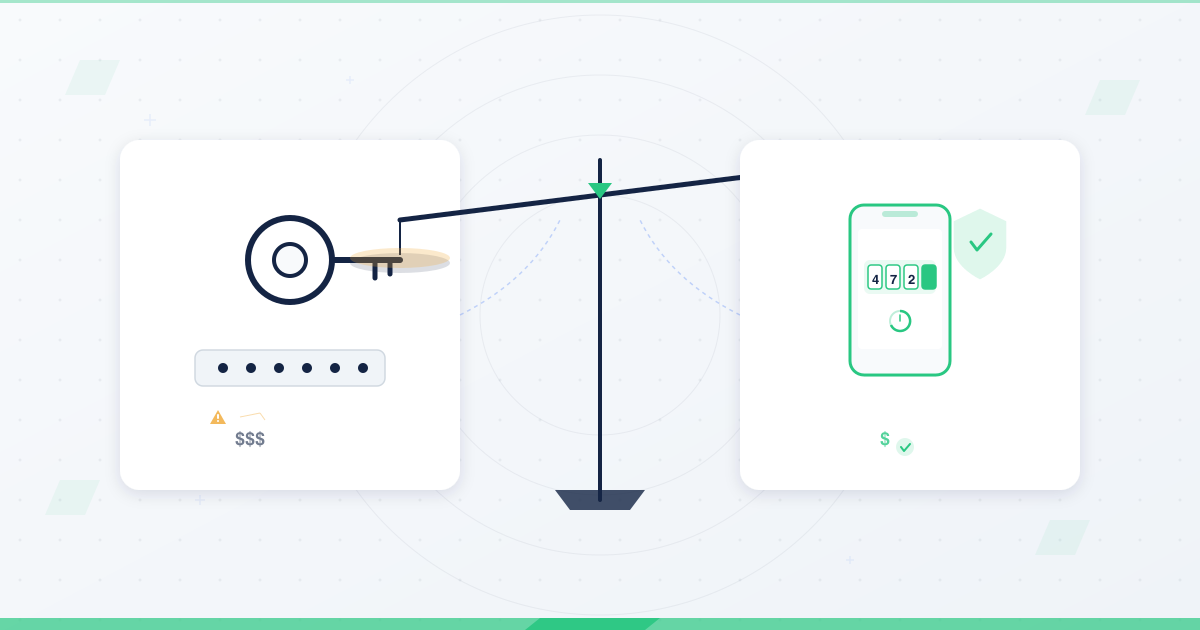
It is about striking the right balance between security, user experience, and affordability, especially in emerging markets or for startups that want to scale sustainably.
By selecting the right tools and strategies, businesses can effectively safeguard user data without incurring excessive costs.
Understanding user authentication
User authentication is the process of verifying that a person trying to access a system is who they claim to be.
Think of it as the digital equivalent of checking a passport at the airport; it is the gatekeeper to your services, systems, and user data.
While large corporations can invest heavily in cybersecurity tools and complex identity systems, small and medium-sized businesses (SMBs) often face the tough challenge of securing their platforms within tight budgets.
They cannot afford high-end biometric scanners or enterprise-level identity solutions.
However, this does not mean that strong security is out of reach. Authentication methods generally fall into three categories:
- Something you know: like a password, PIN, or answer to a security question.
- Something you have, such as a smartphone, token, or access card.
- Something you are: like your fingerprint, facial structure, voice, or typing behavior.
To boost security, many systems now use multi-factor authentication (MFA), which combines two or more of these methods.
For instance, users might enter a password (something they know) and confirm a code sent to their phone (something they have).
While these approaches can significantly enhance protection, they also come with implementation and maintenance costs, particularly for small teams without dedicated IT personnel.
The challenge is finding a solution that is both secure and scalable, while also being budget-friendly.
Why cost-effective user authentication is important
Cost-effective authentication is important for the following reasons:
1. Rising cyber threats
Hackers now employ sophisticated techniques, including phishing, credential stuffing, and man-in-the-middle attacks.
These threats target not just large corporations but also small businesses, which often lack the resources for defence.
A simple, low-cost authentication system can act as a strong first line of defence.
2. Compliance and legal risks
Global and regional regulations such as Nigeria’s NDPR, South Africa’s POPIA, and the EU’s GDPR mandate that personal data be securely handled.
A data breach caused by weak authentication not only puts users at risk but also exposes the business to lawsuits, fines, and reputational loss.
3. Customer trust and retention
Users want to feel safe.
If their accounts are hacked or if they have trouble logging in, they are likely to leave and never return.
A cost-effective authentication system improves both security and user experience, boosting retention and loyalty.
4. Budget constraints
SMBs, startups, and nonprofits typically operate on limited budgets.
While security is important, it cannot come at the cost of draining funds from product development, marketing, or payroll.
These organizations often have to make tough choices about where to allocate resources, and cybersecurity may not always be at the top of the list, especially if threats are not immediately apparent.
However, neglecting authentication can lead to far more costly consequences, including data breaches, loss of customer trust, regulatory fines, and downtime.
The key is to maximize security without overspending by prioritizing low-cost, high-impact methods.
Strategic steps to implement cost-effective user authentication
To build a system that is both secure and affordable, businesses can follow these essential steps:
1. Assess your needs
Start by identifying your core requirements.
What type of data are you protecting: personal information, financial data, or internal documents?
Do you need different levels of access for different users (e.g., admin vs. regular users)?
Answering these questions helps you avoid over-engineering and select a method that fits your goals.
2. Choose the right methods
Every authentication method comes with a trade-off between cost, usability, and security.
For example, passwords are cheap to implement but often weak if not managed well.
Biometrics are strong but expensive.
For many businesses, a combination of passwords and one-time passcodes (OTPs) strikes a good balance.
3. Implement the system securely
Utilize industry best practices, including hashed passwords, TLS encryption, and secure session management.
Avoid building everything from scratch unless you have the technical expertise.
Instead, leverage trusted APIs or platforms with built-in security features.
4. Monitor and review regularly
Track failed logins, unusual access attempts, and usage trends.
This helps you identify vulnerabilities and tweak your system before any damage occurs.
Regular reviews also ensure that your system still meets the needs of your growing user base.
5. Update as needed
Authentication trends evolve. What is considered secure today may be obsolete tomorrow.
Stay informed, collect user feedback, and update your methods as needed, particularly when your user base or risk profile changes.
6. Consider outsourcing
If managing your own authentication is too complex or costly, consider using third-party platforms like Auth0, Firebase, or Magic.link.
These providers offer secure, scalable authentication at minimal cost, often with free tiers for small businesses.
Affordable and reliable user authentication methods
Here are practical ways to implement secure authentication without breaking the bank:
1. Two-factor authentication (2FA)
Adds a second layer of protection.
For example, users log in with a password and then enter a code sent via SMS or app.
- Pros: Simple, affordable, adds strong protection.
- Cons: SMS codes may be delayed or intercepted.
2. Email-based verification
Users receive a verification link or code via email during the sign-up or login process.
- Pros: Easy to implement, with no additional hardware required.
- Best suited for: blogs, subscription services, or infrequently used platforms.
3. One-time passwords (OTP)
Time-limited codes sent to email or phone.
Works well for high-risk transactions or new device logins.
- Pros: Stronger than static passwords.
- Tools: Twilio, Africa’s Talking, Nexmo.
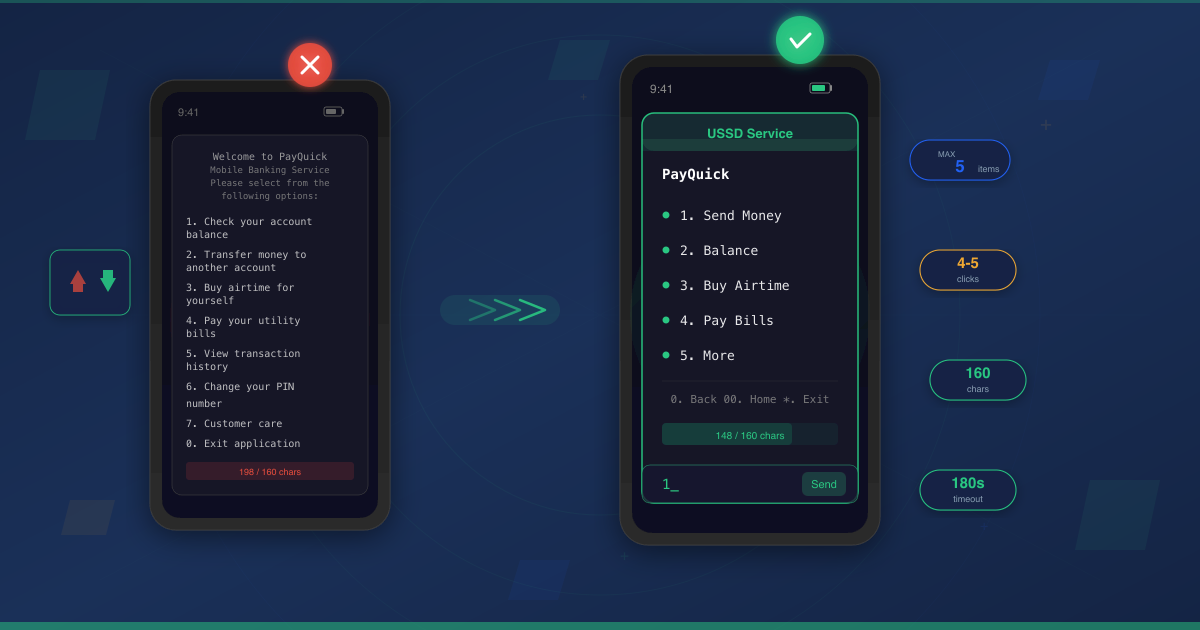
4. USSD Authentication
Uses simple dial codes, such as *123#, to authenticate users on feature phones.
- Pros: Works without smartphones or the internet.
- Use case: Mobile money, rural fintech, and agriculture apps.
5. Social login integration
Users log in using their existing social accounts, such as Google or Facebook.
- Pros: Reduces friction, no new passwords.
- Cons: Not ideal for users who prioritize privacy.
6. Passwordless login
Users log in via magic links or PINs, no password needed.
- Pros: Better user experience, lower security risk from reused passwords.
- Best for: Internal tools, productivity apps.
7. Passkeys
These are cryptographic keys stored on devices, replacing passwords.
- Pros: Resistant to phishing, easy to use.
- Cons: Limited support on older devices.
8. Just-in-time (JIT) access
Grants temporary access to systems only when necessary.
- Pros: Reduces standing permissions, limits exposure.
- Best for: Admin dashboards, DevOps, and finance systems.
9. Adaptive authentication
Changes security requirements based on context (e.g., device, IP, behavior).
- Pros: Balances convenience and protection.
- Cons: May need machine learning tools
10. Continuous authentication
Tracks user behavior during a session to ensure ongoing legitimacy.
- Pros: Useful in Zero Trust environments.
- Cons: Resource-intensive.
11. Behavioral biometrics
Authenticates users based on typing speed, scroll patterns, or swipe gestures.
- Pros: Harder to fake than passwords.
- Cons: Higher cost and variability across devices.
Real-world example: Fintech startup
A fintech company offering microloans needs a secure yet simple login system for rural users who lack internet access or smartphones.
Instead of building an expensive mobile app, they implement USSD authentication.
Users could dial a shortcode (*123#), enter their PIN, and get updates via SMS.
This will help reduce entry barriers and allow the startup to scale rapidly.
This shows how understanding your audience and choosing the right technology can make authentication both effective and affordable.
- Outcome: 300% increase in user adoption in six months
- Result: Low churn, high retention, and minimal support requests, all without a costly infrastructure.
Tools to explore
The tools to explore include:
- Firebase authentication – Email/password, Google login, anonymous sign-in.
- Auth0 – Free for small teams, supports social login and enterprise features.
- Magic.link – Passwordless login via email or crypto wallet.
- Keycloak – Open-source identity and access management.
- Africa’s Talking – OTP, USSD, and SMS Integration for African Markets.
- StrongDM – For managing privileged access using MFA and adaptive authentication.
Building secure authentication on a budget
Secure access does not have to break the bank.
Security does not have to be expensive.
With clear goals, strategic method selection, and continuous evaluation, you can develop a cost-effective user authentication system that safeguards both your users and your brand.
Start by understanding your users’ needs, especially their devices, behaviors, and environments.
Then choose tools that match those realities without forcing unnecessary complexity or cost.
Leverage affordable APIs, open-source tools, and scalable platforms.
Don’t be afraid to update your system as better methods become available or your business evolves.
Above all, authentication is about trust.
When users feel safe, they are more likely to stay loyal and use your services consistently.
A secure login process is the first impression of your platform; it should be strong, smooth, and smart.
A budget-friendly authentication system is not only achievable; in today’s threat landscape, it’s absolutely essential.